
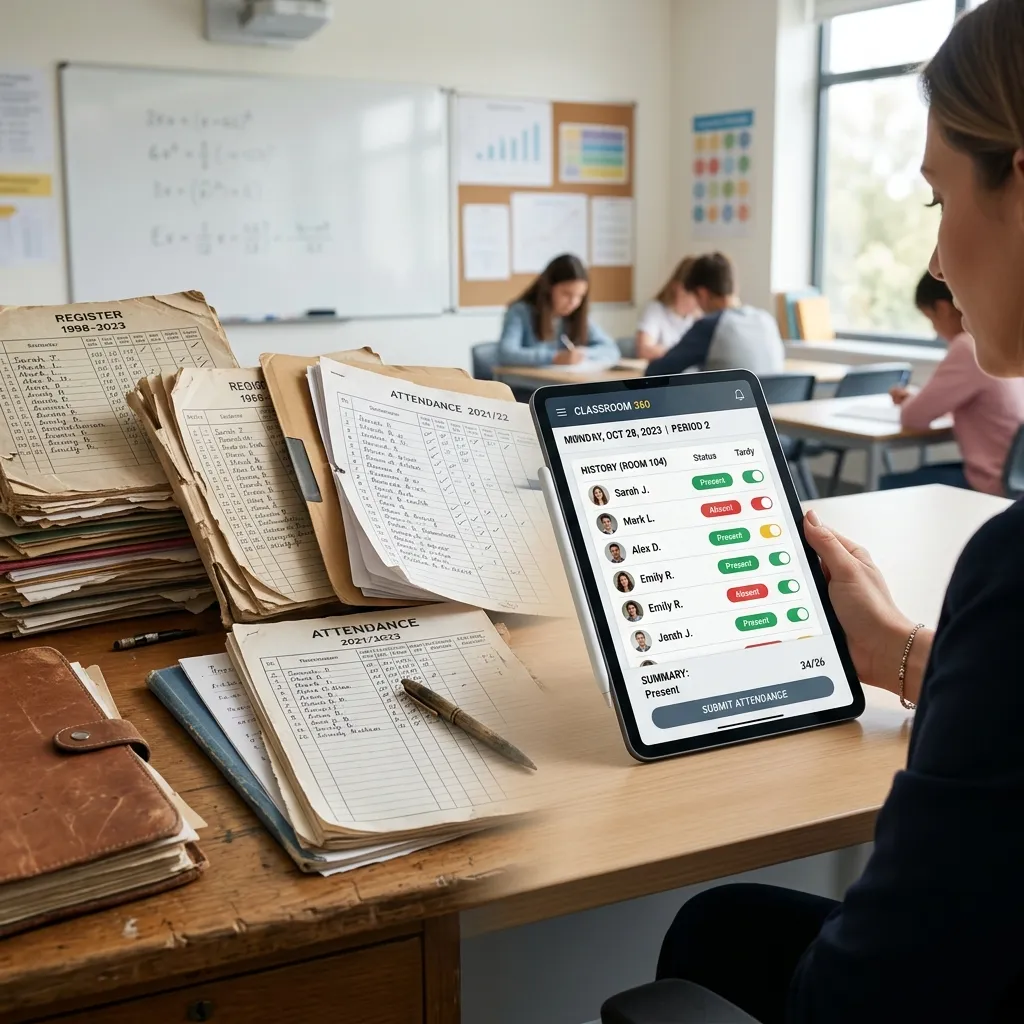
Moving From Paper to Digital: A Practical Guide for Indian Schools
Transitioning a school from paper-based administration to a fully digital system sounds overwhelming. In reality, it can be accomplished in a structured, low-disruption process over a few weeks if you follow the right sequence.
This guide walks you through exactly how to digitise your school's management, step by step, without disrupting the academic year.
Step 1: Audit Your Current Paper Processes
Before you digitise anything, understand what you currently do on paper. Map out every administrative workflow:
- How do you register new students?
- How is daily attendance recorded and submitted?
- How are fee payments tracked?
- How are mark sheets prepared at the end of each term?
- How are certificates and letters issued to students?
Each one of these processes maps directly to a module in a school ERP. Understanding what you do today makes it much easier to configure the software correctly.
Step 2: Choose the Right ERP for Your Board and School Size
Not all ERP systems are equal. A system built for CBSE schools in Delhi may not generate the correct J&K Board or Maharashtra Board report card format. Make sure your chosen software:
- Supports your specific board's exam and grading structure
- Handles the number of students, classes, and sections you manage
- Works offline if your school has unreliable internet
Step 3: Digitise Student Records First
Start by entering all current student data into the ERP. This includes:
- Full name, class, section, roll number
- Date of birth and admission number
- Parent and guardian contact details
- Scanned document copies (birth certificate, TC, Aadhaar)
Once student records are in the system, every other module — attendance, fees, marks — can link directly to those records.
Step 4: Set Up Fee Structures
Configure all fee heads (tuition, transport, library, etc.) and assign them to the appropriate classes. Enter opening balances for any existing fee dues. From this point forward, all fee collections are recorded digitally and receipts are printed from the system.
Step 5: Train Teachers to Mark Attendance Digitally
Attendance is the most frequent daily activity. Train teachers to use the mobile app or desktop interface to mark student attendance. Most teachers adapt within 2–3 days with proper on-site demonstration.
Step 6: Run in Parallel for 2 Weeks
For the first two weeks, run the paper system and digital system simultaneously. This gives staff confidence and catches any setup errors before you depend entirely on the digital system.
Step 7: Go Fully Digital
After two weeks of parallel running, stop the paper system entirely. From this point forward, all reports, receipts, and certificates come from the ERP.
Common Mistakes to Avoid
- Rushing the data entry phase — incomplete student records cause errors across all other modules
- Skipping teacher training — untrained staff will revert to paper
- Choosing a cloud-only system without offline capability
Conclusion
Digitising your school's management system is one of the highest-return investments a school can make. The transition takes effort, but the result is permanent: faster workflows, fewer errors, and richer data for better decision-making.